What Happens During a 17hats CRM Setup? A Behind-the-Scenes Look at Our Process
R Leigh 3D LLC
One of the most common questions we get from potential clients at R Leigh 3D is: "What actually happens during a CRM setup?" It's a fair question. You're about to invest in a system that's going to change how your business operates, and you want to know exactly what you're signing up for before you commit.
So we're pulling back the curtain. Here's a full, honest look at what happens during our 17hats CRM setup process — from the first discovery call all the way to your walkthrough session. No vague promises, no mystery. Just a clear picture of how we go from your current chaos to a fully automated, professionally branded client management system that actually works.
Step 1: The Discovery Call — We Map Your Business First
Before we touch a single setting in 17hats, we spend time understanding how your business actually works. Every solopreneur operates differently — your client journey, your services, your pricing structure, your communication style — and a CRM that's set up for someone else's workflow isn't going to work well for yours. That's why every setup starts with a discovery call.
During this conversation, we ask questions like: How do clients typically find you? What happens after someone reaches out? What documents do you send and in what order? Do you require deposits? Do you offer packages or custom quotes? What's your current biggest bottleneck — lead response, onboarding, billing, or something else? The answers to these questions become the blueprint for everything we build.
This step is what separates a setup that actually serves your business from a generic template someone copied from a YouTube tutorial. We're not building a CRM for "solopreneurs in general" — we're building one for your specific business, with your services, your voice, and your workflow. The discovery call usually runs 60–90 minutes, and it's the most important part of the entire process.
Step 2: Brand Personalization — Making It Look and Sound Like You
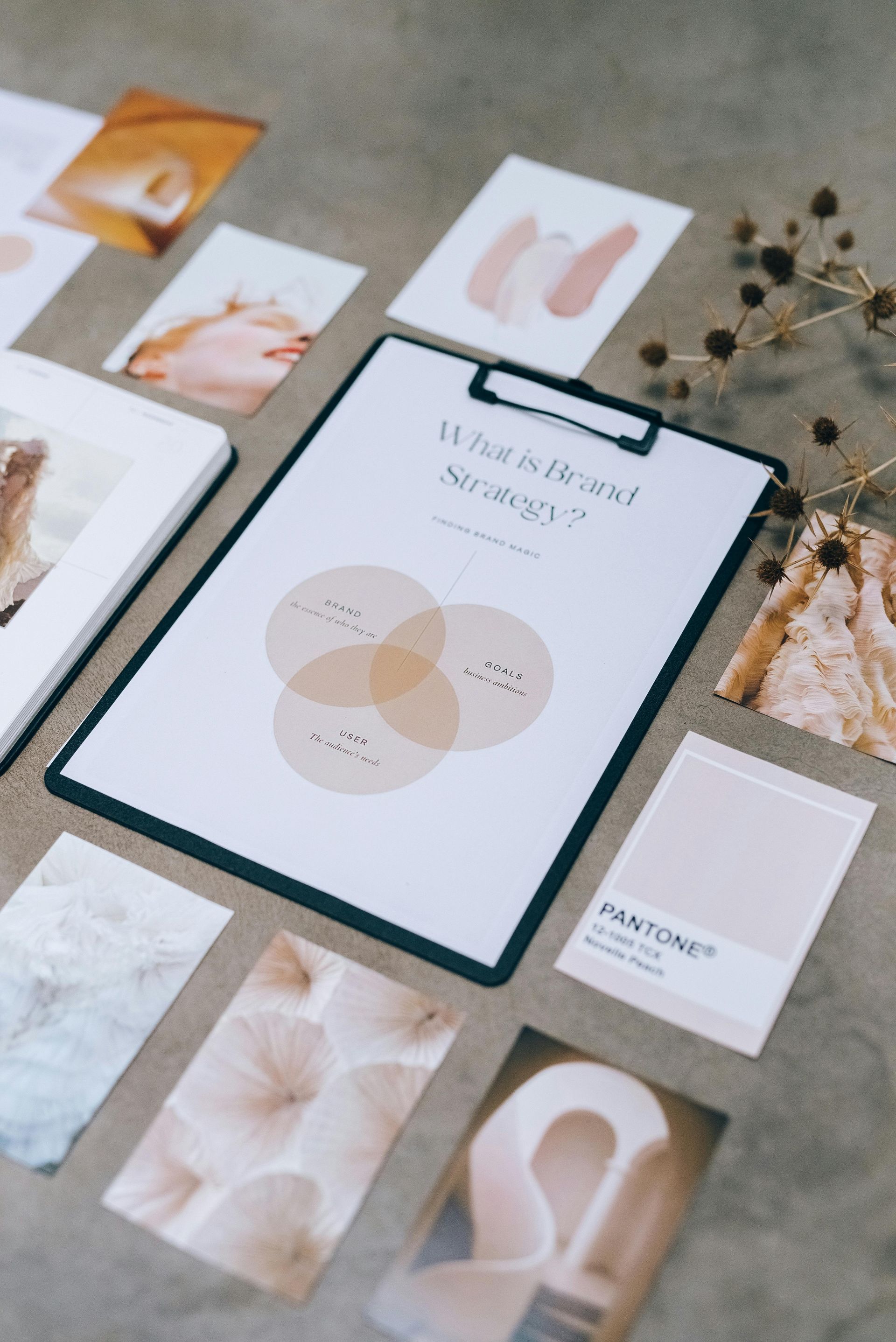
Your CRM is often the first professional touchpoint a new client experiences with your business. The emails they receive, the proposals they review, the contracts they sign — all of it shapes their perception of you before they've even had a real conversation. That's why brand personalization isn't optional in our setup process. It's foundational.
We take your brand colors, logo, fonts, and communication style and apply them throughout your 17hats account. Your email templates sound like you — not like a generic CRM auto-reply. Your invoice header reflects your brand identity. Your client portal, where applicable, feels like an extension of your website rather than a disconnected third-party tool. Every document your client receives looks polished and intentional.
We also help you find your tone if you haven't defined it yet. Are you warm and conversational? Crisp and professional? Playful and personable? The language in your automated emails matters just as much as the design. A client who receives an automated follow-up that actually sounds human — like you wrote it specifically for them — is far more likely to respond positively and book with confidence.
Step 3: Lead Capture Forms — Turning Visitors Into Warm Leads
Your lead capture form is the entry point to your entire client pipeline. When someone visits your website or social profile and decides they're interested, the form they fill out needs to ask the right questions — not too many, not too few — and it needs to deliver a response fast enough to keep their attention. Most DIY forms fail on at least one of these fronts.
We build your lead capture form to collect exactly the information you need to qualify and follow up with potential clients effectively. Name, contact info, service interest, timeline, budget range — whatever combination is right for your business and your services. We design the form to feel easy and low-friction for the person filling it out, which directly increases the number of inquiries you receive.
Once the form is submitted, 17hats automatically logs the new lead in your account and triggers the first automated response in your follow-up sequence. That immediate reply — sent within seconds of someone reaching out — sets a professional tone, confirms receipt of their inquiry, and often includes next steps like booking a discovery call or reviewing your services. Your lead feels attended to before you've even seen the notification.
Step 4: Document Templates — Quotes, Contracts, and Invoices Built for Your Services
This is often the step clients are most relieved to get off their plate. Building professional document templates — proposals, contracts, invoices, questionnaires — takes hours to do well, and most solopreneurs end up with a patchwork of Word documents, PDFs, and emailed attachments that look inconsistent and feel unprofessional.
We build all of your core document templates inside 17hats, branded to your business and customized for your specific services. Your proposal template is structured to present your offerings clearly and persuasively. Your contract covers the essential terms for your type of work without being so dense it scares clients off. Your invoice is clean, clear, and includes payment instructions so clients know exactly what to do.
We also set up questionnaires for any information-gathering you need to do before starting a project — onboarding questionnaires, project brief forms, feedback forms. Every document is connected to its place in your workflow so that it sends automatically at the right moment, to the right person, without you manually triggering anything.
Step 5: Workflow Automation — The Part That Changes Everything
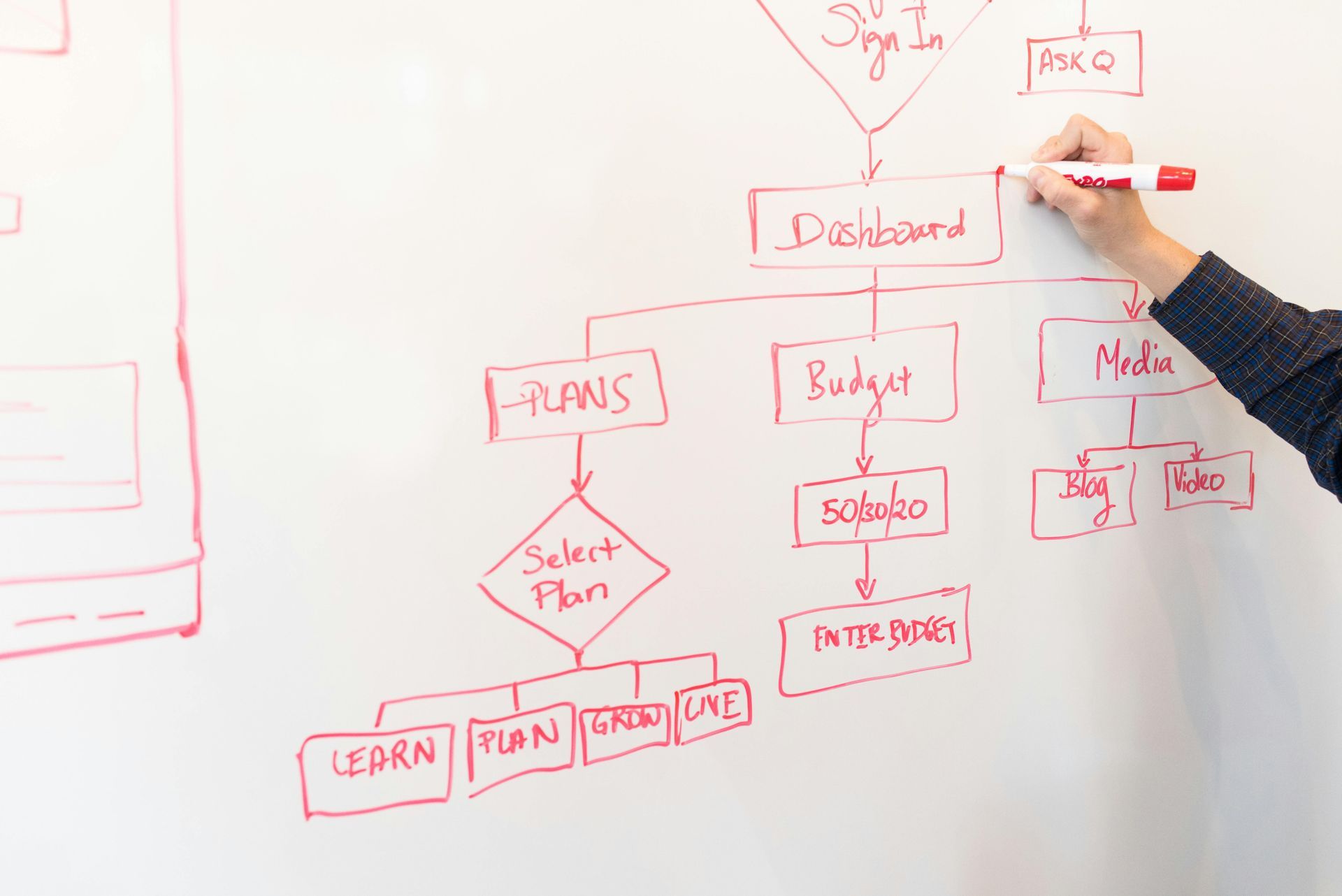
This is where the magic happens. A workflow in 17hats is a sequence of automated actions that trigger based on specific events in your client pipeline. When a lead form is submitted, a workflow fires. When a contract is signed, a workflow fires. When an invoice is paid, a workflow fires. The result is a business that responds, follows up, and delivers documents on time — every time — without you managing any of it manually.
We build your workflows based on what we learned during the discovery call. A typical setup might include: an inquiry workflow that sends an auto-reply and schedules a follow-up reminder, a booking workflow that sends a contract and invoice after a call, an onboarding workflow that delivers a welcome email and questionnaire after the contract is signed, and a completion workflow that sends a final invoice and review request when a project wraps. Each workflow is a self-contained automation that runs in the background while you focus on the actual work.
For most clients, seeing their workflows run for the first time is the moment it really clicks. You submit a test inquiry, watch the automatic reply appear in your email, see the lead logged in your CRM, and realize: this is what my business can feel like. That's a real moment, and we love being part of it.

Step 6: Online Booking Setup — Let Clients Schedule Themselves
One of the biggest time sinks for service-based solopreneurs is the back-and-forth of scheduling. "Are you free Tuesday?" "No, how about Thursday?" "What time works for you?" It's exhausting, and it happens dozens of times a month. 17hats includes a built-in scheduling tool that eliminates this entirely.
We set up your booking calendar with your available time slots, buffer time between appointments, and meeting types — discovery calls, project kickoffs, client check-ins, whatever applies to your business. Your clients get a link, they see your real availability, they pick a time that works, and the appointment appears in your calendar automatically. Confirmation and reminder emails go out without you touching anything.
We also connect your booking system to your lead workflow so that new bookings are automatically logged as contacts in your CRM, trigger any relevant follow-up sequences, and create a clean record of every interaction from first inquiry to final delivery. Nothing slips through, and nothing requires manual data entry.
Step 7: The Walkthrough — You Leave Knowing Exactly How to Use It
The final step in every R Leigh 3D setup is a comprehensive walkthrough session where we show you exactly how your new system works. This isn't a high-level overview — it's a hands-on tour of every workflow, every template, every form, and every automation we built for you. You leave this session knowing how to use your CRM confidently, not just knowing that it exists.
We walk through how to add new contacts, how to trigger workflows manually when needed, how to update templates as your services evolve, and how to read your dashboard so you always know where each client stands. We also answer every question you have, no matter how basic — because the goal isn't just a system that works, it's a system you feel ownership over.
After the walkthrough, you also get access to our online help resources so you can reference anything we covered at your own pace. Most clients are fully up and running — using their CRM independently and confidently — within the first week after the walkthrough. Many tell us it's the first time their business has felt truly organized.
Ready to Start? Here's What to Do Next
If you've been thinking about getting a CRM set up but weren't sure what the process looked like, now you know. It's thorough, it's personalized, and it's designed to give you a system that actually fits your business — not a template you'll abandon in a month.
R Leigh 3D serves solopreneurs and small service-based business owners across Solano County and statewide California. Our 17hats CRM setup packages are built for business owners who are ready to stop doing everything manually and start running a business that works even when they're not.
Book your free consultation today and let's talk about your business, your current systems, and what a proper CRM setup could change for you. The first conversation is free, low-pressure, and might be exactly what your business has been waiting for.